
For Airbnb, B&Bs and hotels
One QR for every guest
Share the local places you actually send people to. Guests scan your QR, see your list, and use a shop offer where there is one — instead of guessing from generic maps.
Step 1
Display
Put your QR in the room, at reception, or on a welcome card.
Step 2
Scan
Guests open it with their phone camera — no app required to start.
Step 3
Visit
They pick a place you recommended and show a QR at the till.
Step 4
Reward
If the shop has an offer, staff scan it and the deal applies.
Put it where guests look
Print a poster, leave a card in the room, or share the link. Same QR everywhere.
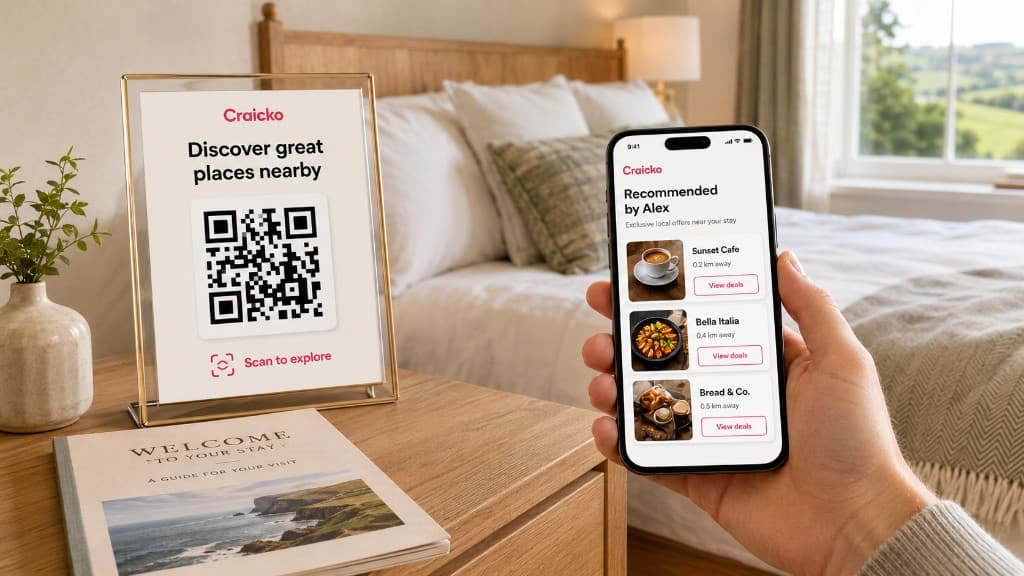
Room 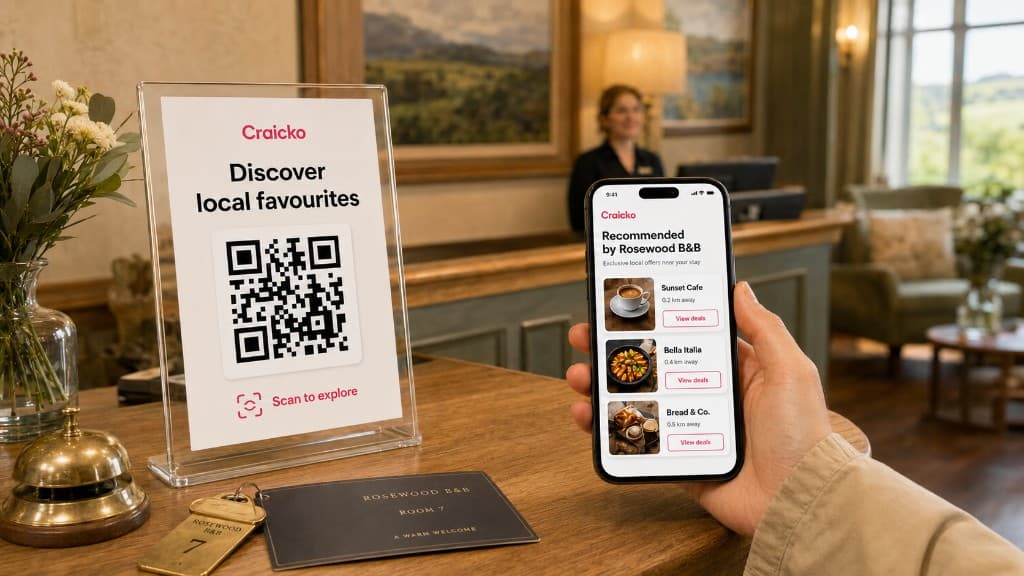
Reception 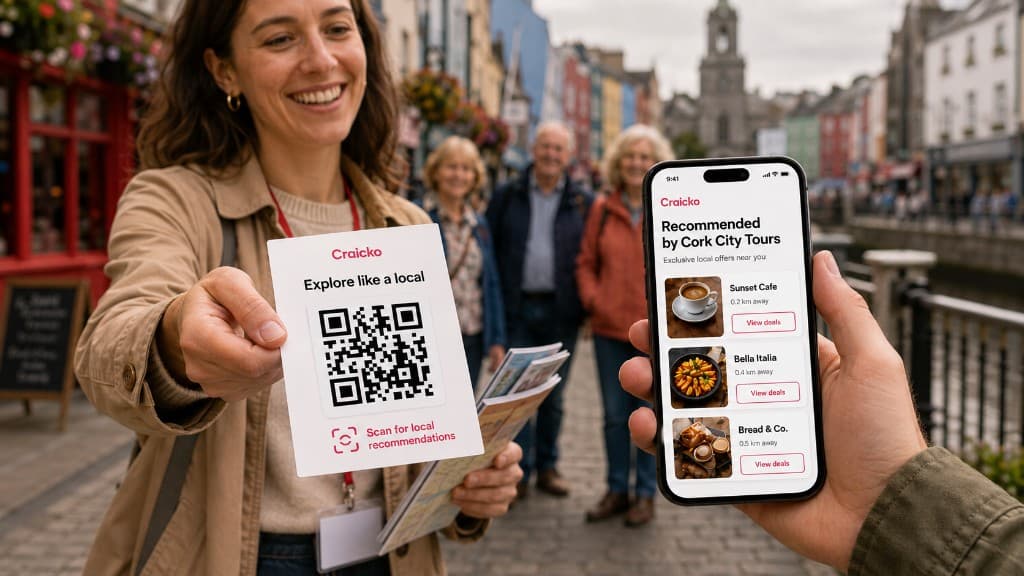
Tours 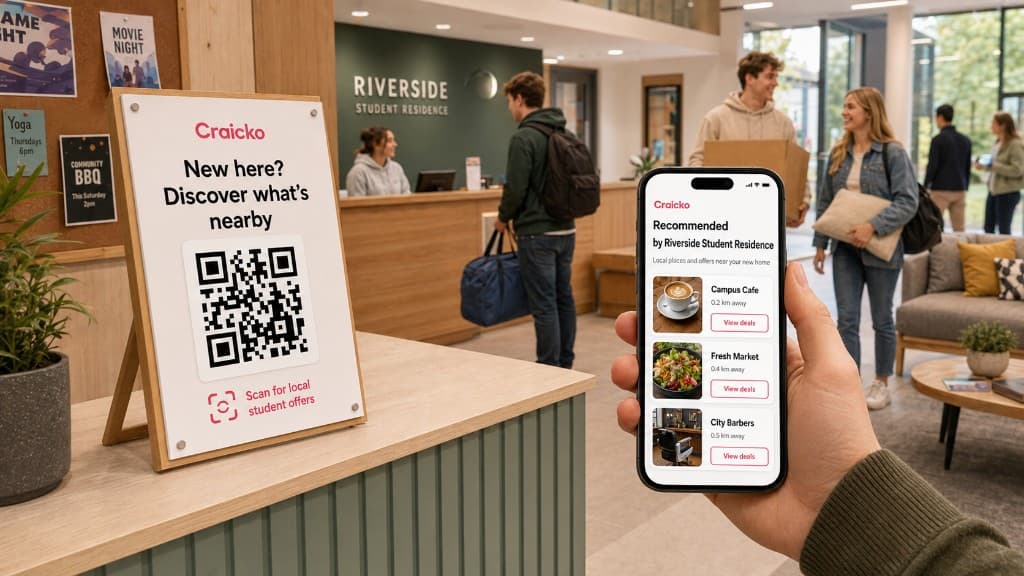
Campus
What guests see
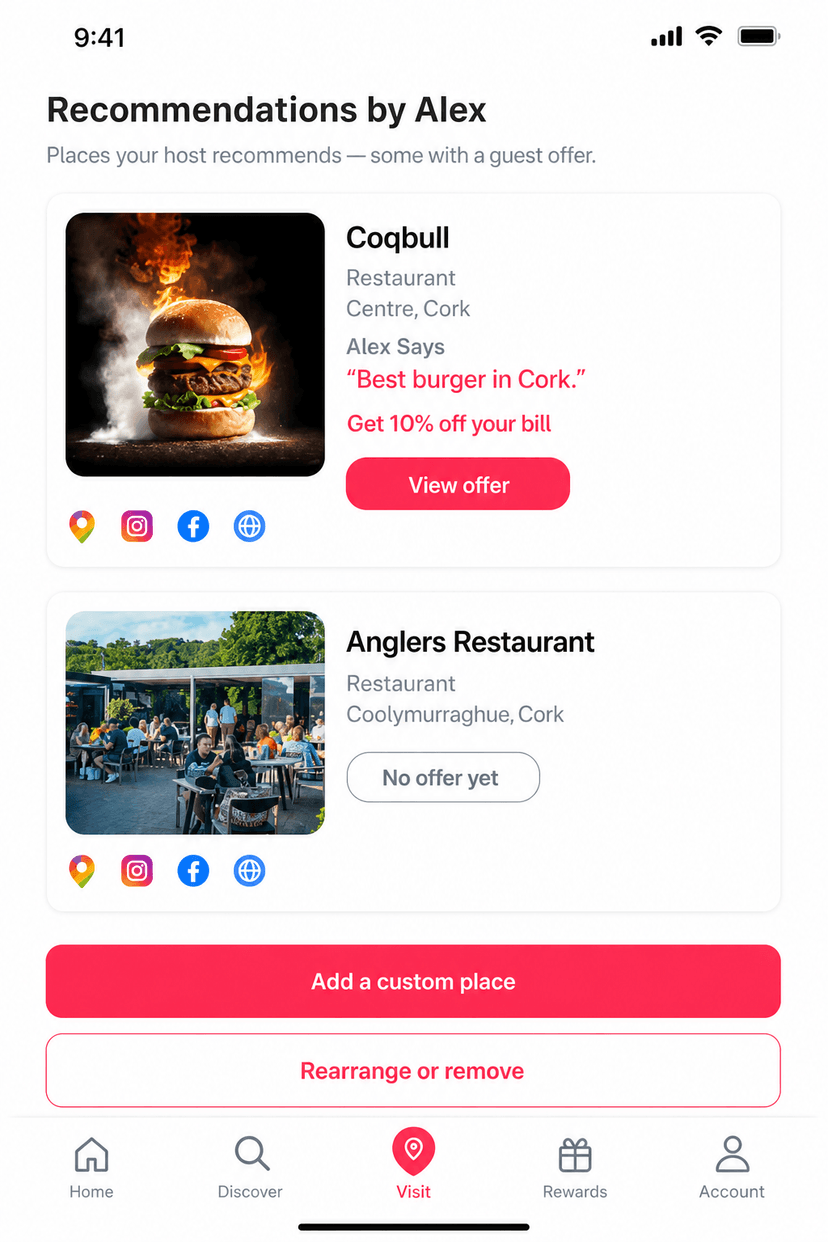
Your name, your places, and a short note if you add one — “Alex Says”. Shops with a live deal show View offer. The rest show No offer yet.
- Join Craicko as a member (hosts use the same account).
- Pick the places you recommend — signed-up shops or custom pins.
- Add a note, print or share your QR, and leave it out for guests.
Ready to recommend places?
Create a member account, then open Recommend Local Places to get your QR.
Start as a host