
For local shops
One scan at the till
Guests and members arrive with an offer on their phone. Your staff scan the QR. The visit is recorded, the deal applies, and loyalty builds — without paper cards or extra till software.
Step 1
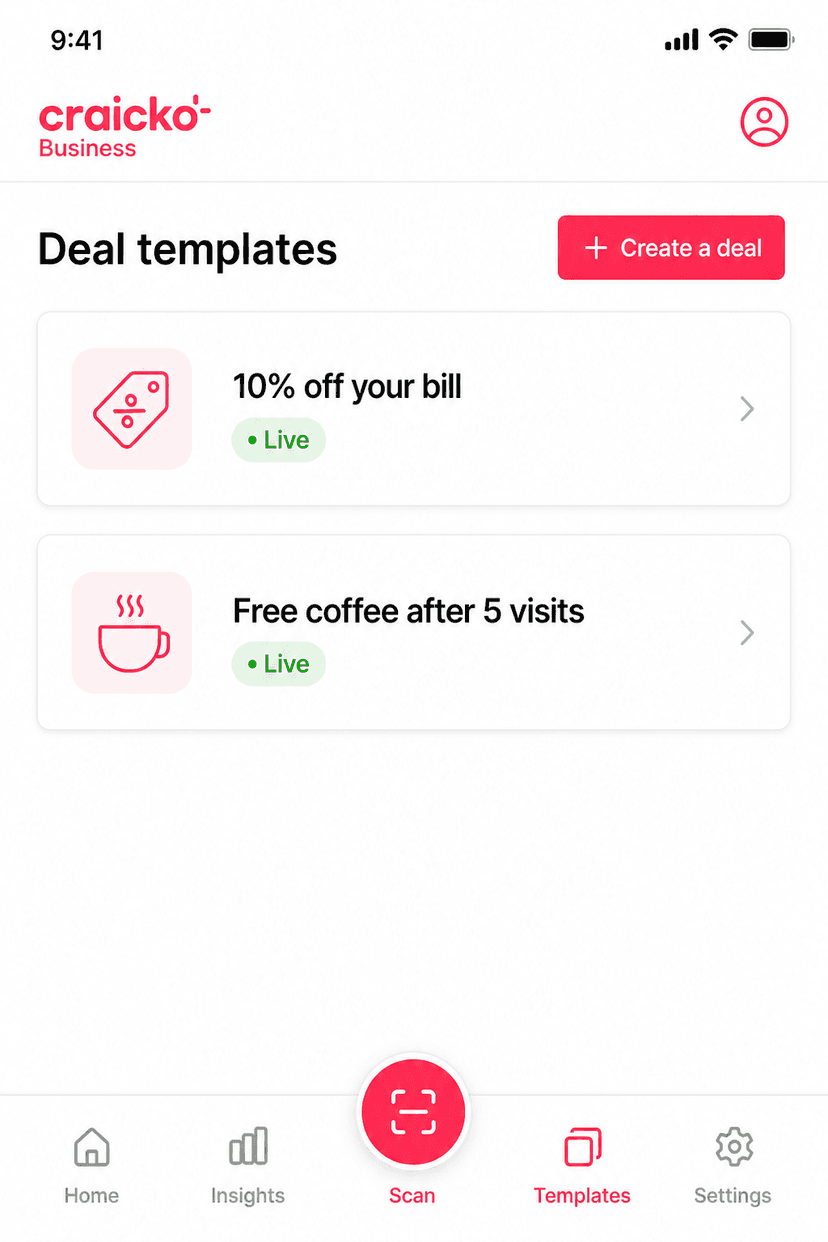
Publish an offer
Create a deal template — a discount, punch card, free item, or voucher. Members can join it instantly.
Step 2
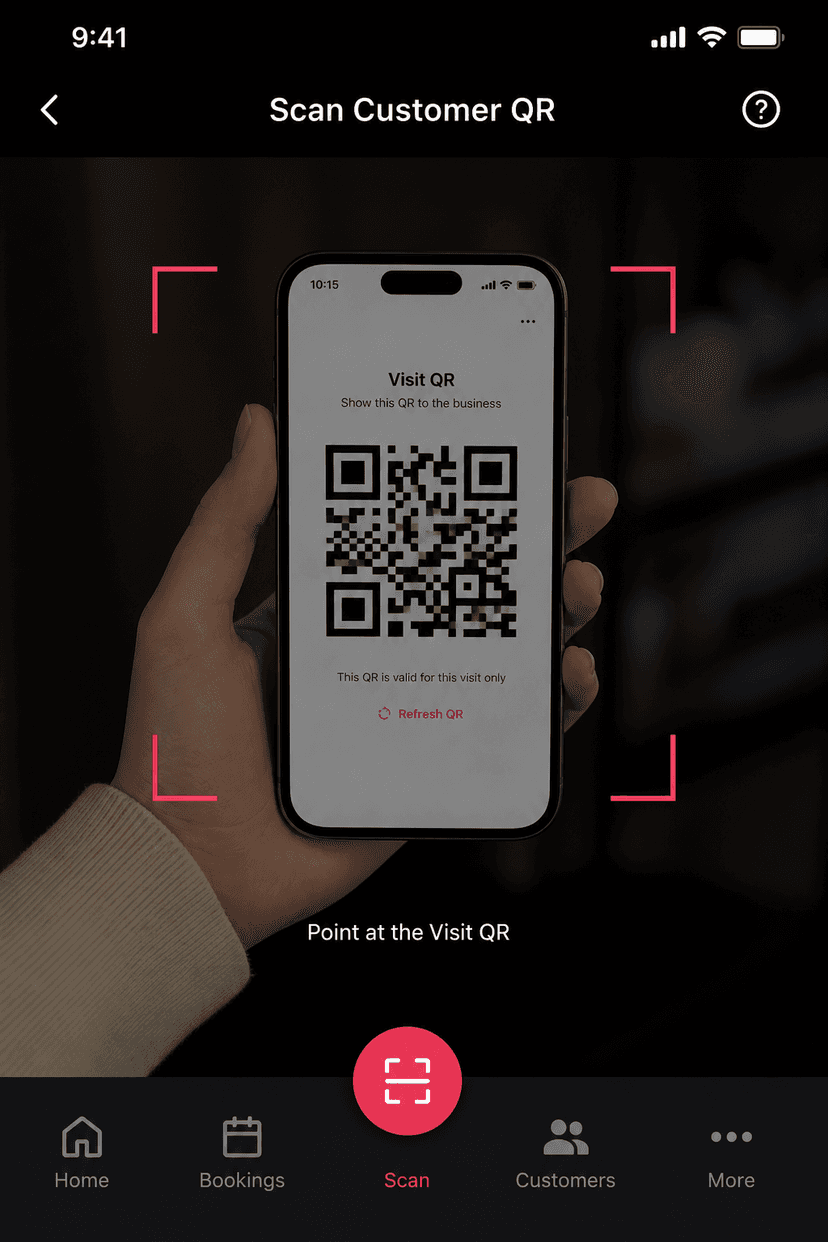
They show a QR
The guest or member opens the offer on their phone and shows the Visit QR at your till.
Step 3
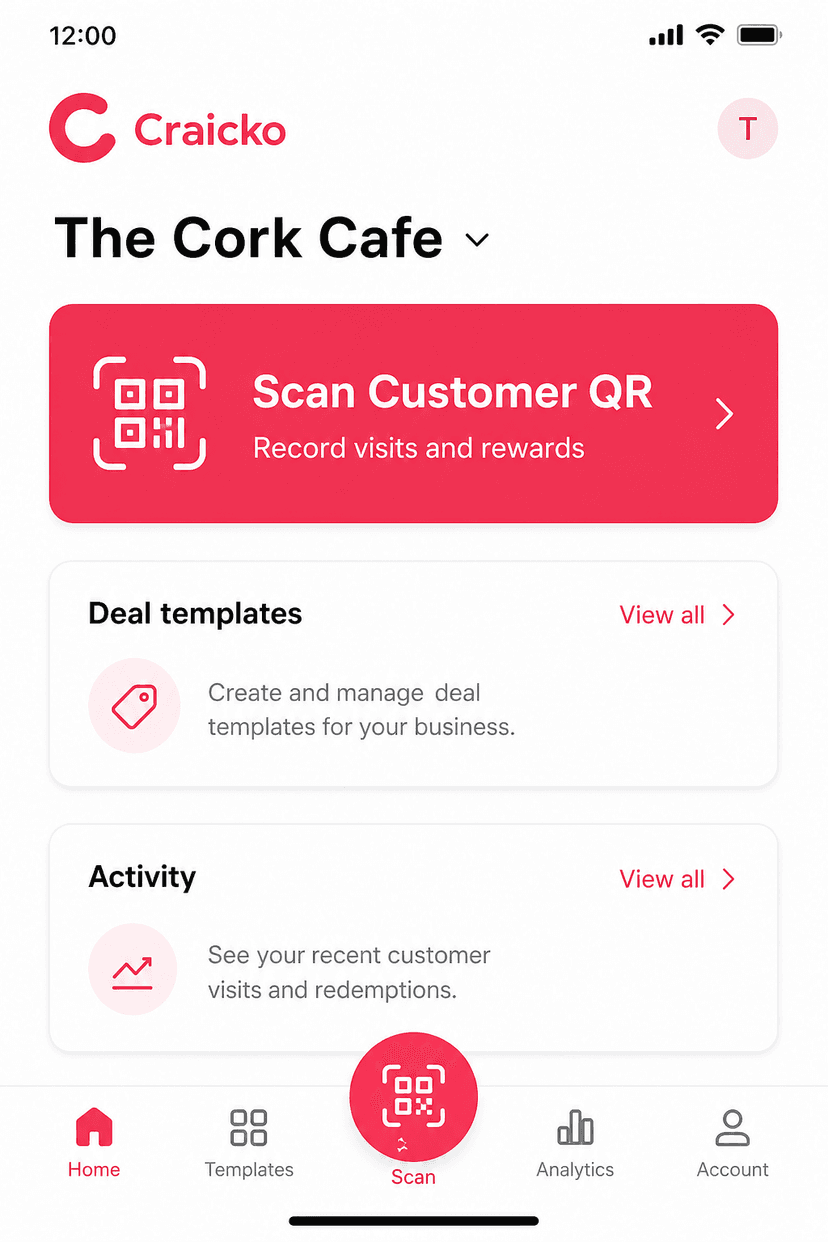
You scan it
Tap Scan Customer QR, point at their screen, and confirm. The visit, offer, and loyalty update in Craicko.
What staff need to know
- Ask for the Craicko Visit QR on their phone — not a screenshot from last week.
- Open Scan on the Craicko business app (the centre button).
- If a reward is due, they show a reward QR. Same scanner, then confirm.
- You can pause custom proposals and still keep your published templates live.
Ready to list your shop?
Create a business account, confirm your Google location, and publish your first offer.
List your business