
How Craicko works
Local shops put offers on Craicko. You show a QR at the till. Staff scan it. The visit is recorded, the offer applies, and rewards add up.
Step 1
Find a place
A host recommends it, or you browse Discover.
Step 2
Show a QR
Open the offer and show the Visit QR at the till.
Step 3
Shop scans it
Staff scan with Craicko. The visit and offer are recorded.
Step 4
Rewards build
Loyalty visits unlock rewards you claim in the same shop.
For guests
Staying with a host? They share a QR in the room, at reception, or on a card.
- Scan the host’s QR with your phone camera.
- See the places they recommend — some with a guest offer.
- Tap View offer, then show the QR at the shop.
- Staff scan it. That’s the visit — no app download required to start.
For members
Join Craicko to keep your visits, stamps, and rewards in one account.
- Open Discover and browse deals near you.
- Join an offer (instant templates, or a custom deal with the shop).
- At the till, tap Visit and show your Visit QR — not an old screenshot.
- Loyalty visits unlock rewards. Claim them in-store from Rewards.
For hosts
Recommend local places to your guests with one QR. Print a poster, leave a card in the room, or share the link.
- Pick the businesses you recommend (signed-up shops or custom places).
- Add a short note if you like — guests see it as “Alex Says”.
- Display your QR where guests will notice it.
- When they visit a shop with an offer, they show a QR at the till.
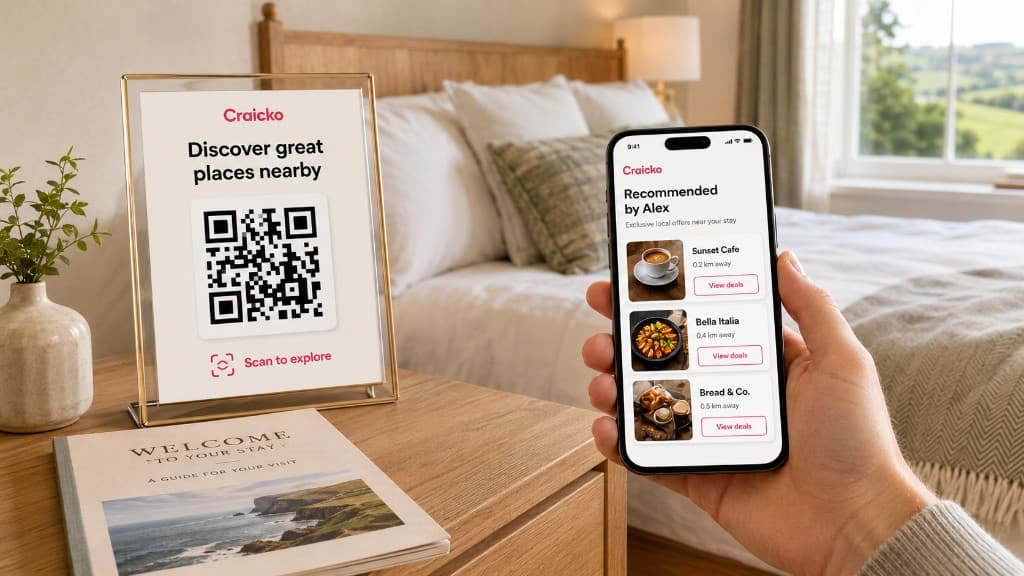
Room 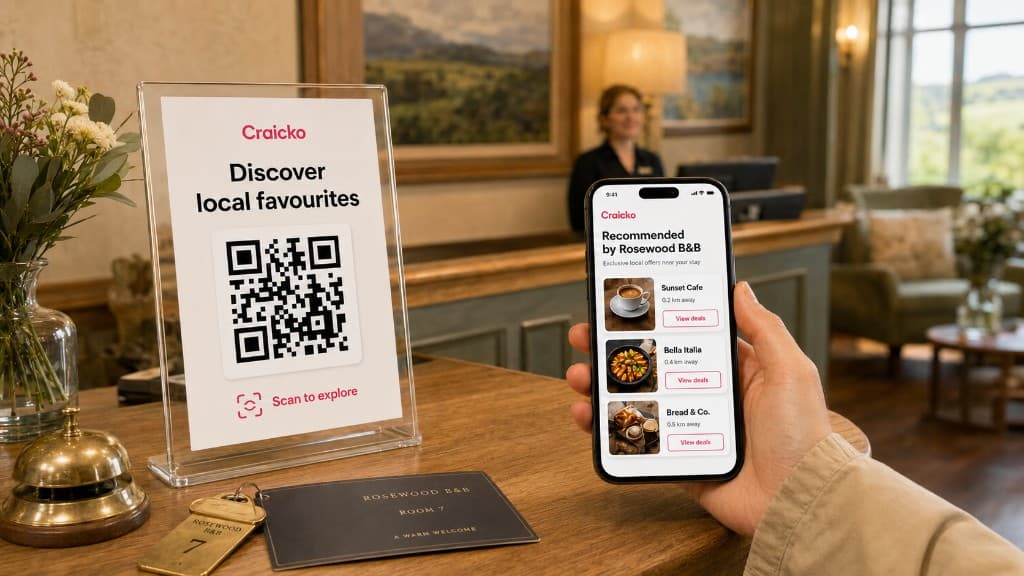
Reception 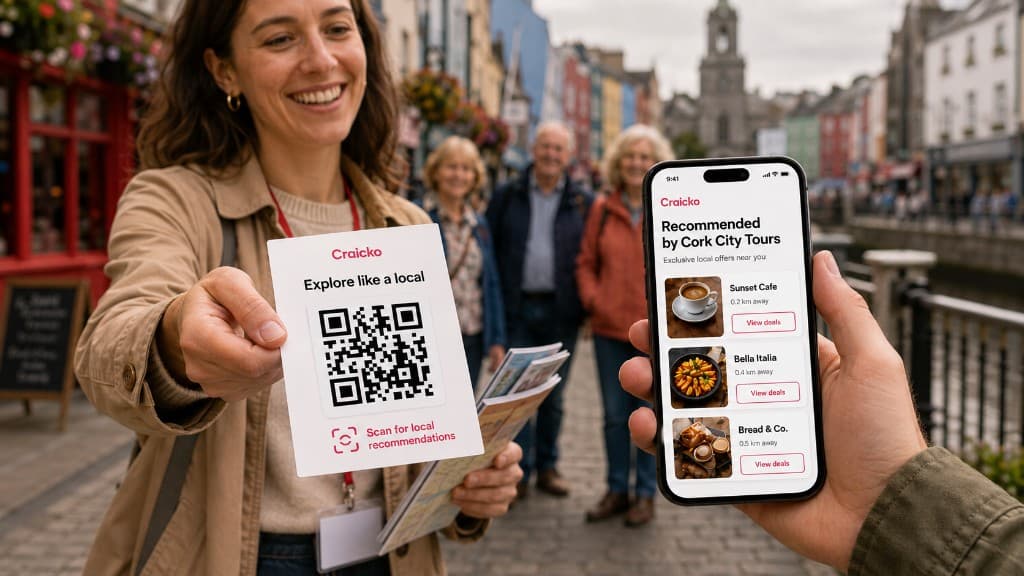
Tours 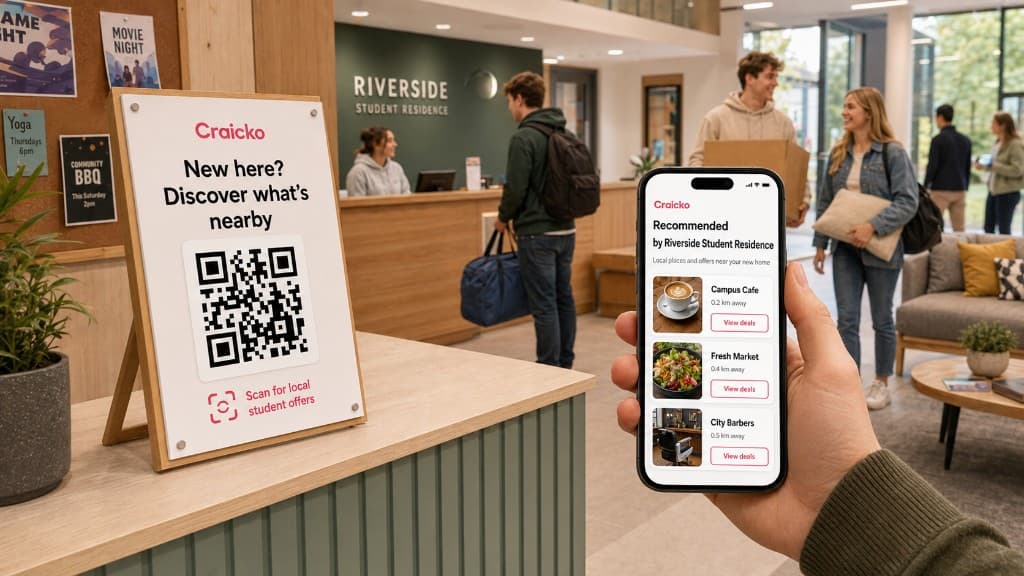
Campus
For businesses
Publish an offer. When a guest or member visits, scan their QR. The visit, discount, and loyalty progress update in Craicko.
- Create a deal template members can join instantly.
- Ask them to open their Visit QR for your shop.
- Tap Scan on the business app and point at the code.
- Confirm the visit. Rewards are redeemed the same way, in-store.
Ready to try it?
Browse deals without an account, or join to save visits and rewards.